

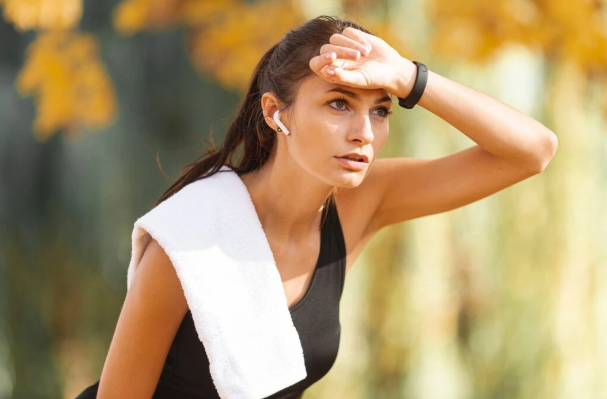
Walking out of the gym with that perfect post-workout glow is one thing – having your photos ruined by sweat stains is another. But don’t worry, you don’t need to toss the picture or spend hours learning complicated software. There’s a surprisingly simple way to make those annoying water or sweat marks vanish while keeping the clothing texture looking natural. One tool that really shines here is the RetouchMe Video and Photo Editor, which makes this process effortless even for beginners.
Why Sweat Marks Can Ruin Your Image
Even a tiny dark patch from sweat can distract the eye and make your photo look sloppy. The tricky part is that simple blurring or smudging often destroys the subtle fabric texture, leaving it looking artificial. The goal is to smooth out the mark but keep the weave, the folds, and the natural shadows intact.
The first step is identifying exactly where the sweat is visible. On gym gear, this is usually around the chest, back, or underarms, and sometimes on shorts where you’ve been moving a lot. Pinpointing these areas accurately before starting any touch-up ensures a clean and realistic result.
How to Remove Sweat or Water Marks Effectively
Here’s where RetouchMe comes in. It’s not just another automated filter – it combines a smart interface with professional human designers, which guarantees your clothes remain textured and realistic.
To make the process smoother, follow these practical tips:
- Make sure the photo is well-lit but not overexposed, as too much brightness can make sweat patches harder to remove without flattening the texture.
- Zoom in when selecting the affected area so the designers can precisely target the spots without touching surrounding details.
- If the sweat mark is large or irregular, break it into smaller sections; this allows each patch to retain the natural fabric flow after editing.
- Avoid aggressive color adjustments on the clothing – subtlety keeps it looking realistic.
- Preview each adjustment and compare with the original to ensure no unnatural glossy or blurred patches appear.
With these steps, sweat marks can disappear in minutes, leaving your gym photos looking fresh, clean, and true to life.
Tips for Maintaining Realistic Fabric Texture
Even after the marks are gone, the final image should feel natural. Here are some ways to preserve the fabric’s texture:
First, avoid over-sharpening. While it might be tempting to make the area extra crisp, this can create a plastic-like sheen. Let the designers handle subtle sharpening as part of the removal process.
Second, pay attention to shadows and highlights. Sweat marks often darken fabric slightly; removing them can flatten the image if the surrounding shading isn’t preserved. The professional touch from RetouchMe ensures these nuances remain intact.
Finally, consider the pattern and stretch of the material. Tracksuits, mesh tops, and synthetic fabrics all reflect light differently. A human designer can account for these tiny variations, which automated filters often miss, keeping your clothes looking authentic.