

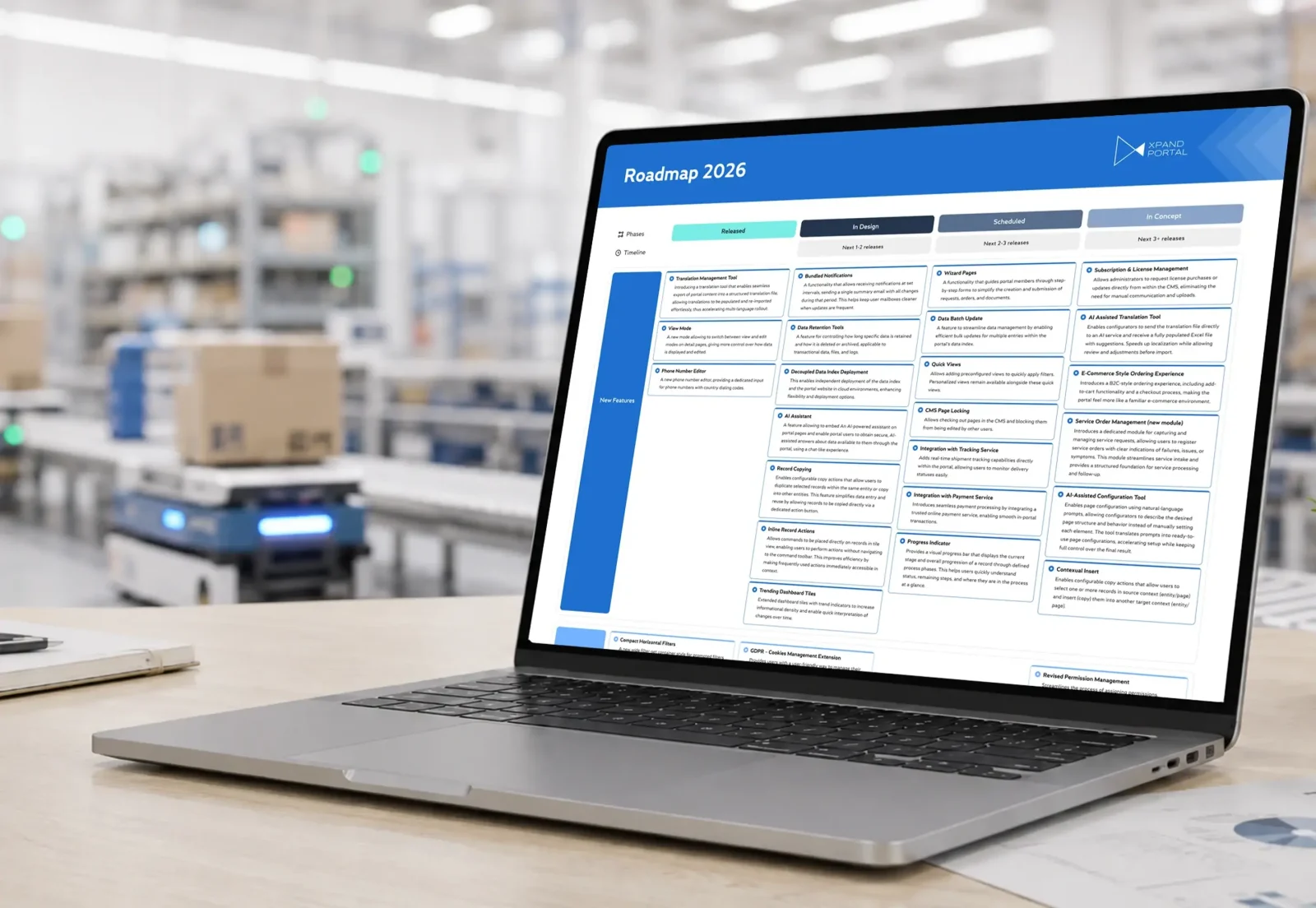
The real decision is not whether both can deliver a portal. It is whether the client wants to implement a maintained product or own a custom application.
When a Business Central customer asks for self-service, Microsoft partners often arrive at the same fork: Xpand Portal vs Power Pages. The client wants customers or vendors to see orders, invoices, shipments, documents, or service information without direct ERP access. Power Pages can be used to build that experience as a low-code application on the Power Platform. Xpand Portal starts from a B2B portal product with a Business Central connector, permission framework, and reusable business scenarios already in place. In either case, the goal is a customer portal integrated with Business Central; the difference is how much architecture, development, and long-term responsibility becomes yours.
1. Xpand Portal vs Power Pages: product or application?
With Power Pages, the partner designs a solution on Microsoft Power Platform: pages, Dataverse model, permissions, authentication, Business Central access, workflows, APIs, and any custom logic required. That is a strong fit when the portal itself is a bespoke application and the customer deliberately wants to evolve it as part of a wider Power Platform architecture.
With Xpand Portal , the project starts from a maintained portal product. The CMS, external-user framework, role-based access, Business Central integration mechanism, notifications, and reusable B2B scenarios already exist. The partner still designs the process and may add custom logic, but more work starts at configuration and extension rather than platform construction.
That is the central difference: Power Pages gives you a platform to build the portal; Xpand Portal gives you a portal product to configure and customize.
2. How much of the requirement is genuinely unique?
Many “custom” portal projects contain familiar B2B needs: order visibility, invoice access, shipment status, document sharing, service requests, notifications, and account-specific permissions.
Power Pages gives a team the tools to design those journeys.
Xpand Portal includes ready-to-use modules for Customer Order Management, Receivables Management, and Customer Care Management, plus common portal capabilities around access, documents, notifications, and external collaboration.
That does not make implementation automatic. Business rules, branding, integrations, and customer-specific logic still need to be configured or developed. The difference is that repeatable B2B functionality does not begin as a blank design problem.
For an Xpand Portal vs Power Pages decision, split the requirements into two columns:
standard B2B portal behavior;
genuinely differentiating requirements.
If most of the value sits in a unique application experience and data model, a platform-first approach can make sense.
If most of the value sits in the customer’s business process, while the portal requirements themselves are familiar, a product-first approach deserves serious consideration.
3. How will Business Central integration work?
This is where the architecture becomes concrete.
Microsoft documents Business Central–Power Pages integration through Dataverse virtual tables for Business Central online. Virtual tables can expose Business Central data through Dataverse without replicating those records, while Power Pages uses its web roles, table permissions, and page permissions around the external experience. Microsoft currently labels this specific Business Central–Power Pages integration as preview.
Xpand Portal uses the Xpand Portal Connector, listed on Microsoft Marketplace, as the integration layer between Business Central and the portal. Current Xpand materials describe support for standard and custom Business Central tables and fields, multi-company scenarios, filters, and synchronization rules.
The useful question is therefore not “Can it connect to Business Central?” Both approaches have an integration path.
Ask instead: how much integration design, configuration, monitoring, and troubleshooting do we want the implementation team to own?
Before comparing “Xpand Portal vs. Power Pages,” make a list of all the important entities: customer, contact, product, order, shipment, invoice, payment, document, and custom table. Then decide:
- which system owns the record;
- where validation happens;
- how external permissions are enforced;
- how failed updates are identified;
- who troubleshoots the integration after go-live.
That exercise tells you far more than comparing connector diagrams.
4. Which skills will the implementation consume?
Low-code reduces some coding. It does not remove solution architecture.
A Power Pages implementation can involve Design Studio, Dataverse modeling, web roles, table and page permissions, authentication, Power Automate, APIs, Liquid, JavaScript, and related Power Platform services depending on the scope.
For a Microsoft partner with a mature Power Platform practice, this can be a major advantage. The portal becomes another application within an architecture and skill set the team already understands.
An Xpand Portal implementation shifts more of the work toward CMS configuration, access rules, Business Central mapping, portal workflows, branding, and customer-specific extensions. JavaScript and C# remain available where deeper customization is required.
The commercial implication is important.
If routine business changes can be handled through configuration, functional consultants or trained administrators can own more of the backlog. If the portal is deliberately designed as a bespoke Power Platform application, ongoing developer involvement may be part of the operating model from the beginning.
Xpand Portal vs Power Pages is therefore also a resourcing question:
Which skills do you have today, and which skills should the customer depend on three years from now?
5. Who owns the portal after go-live?
This is where Xpand Portal vs Power Pages becomes more than a technology comparison.
With Power Pages, Microsoft maintains the underlying platform. The partner and customer remain responsible for the solution built on it: its Dataverse model, custom logic, integrations, workflows, permissions, and bespoke components.
With Xpand Portal, Xpand maintains the standard portal product, Connector, releases, fixes, and product roadmap. The partner or customer remains responsible for the implemented configuration and any project-specific extensions.
That creates a different technical-support and product-responsibility boundary.
A custom solution gives the implementation team more architectural control. That same control means more of the solution remains your responsibility when Business Central processes change, permissions evolve, integrations fail, or users request new functionality.
A product route deliberately moves more of the standard portal lifecycle to the product vendor.
For CTOs and Microsoft partners, this is one of the most important questions to answer before the project begins – not after the first post-go-live support ticket arrives.
6. What does the three-year cost really include?
License pricing is visible. Ownership cost is less obvious.
For Power Pages, a realistic calculation should include:
- Power Pages capacity and relevant Microsoft licensing;
- architecture and Dataverse design;
- Business Central integration;
- portal UX and workflow development;
- custom components;
- testing and security configuration;
- technical support and troubleshooting;
future change requests.
For Xpand Portal, include:
- product and module licensing;
- implementation and configuration;
- Business Central mapping;
- hosting or infrastructure where applicable;
- customer-specific development;
- support;
- future modules, integrations, and expansion.
This is not an argument that one route is always less expensive. The cost structures are different.
Power Pages can be the stronger investment when the portal is genuinely a custom application, Power Platform expertise already exists, and the customer expects to fund an ongoing application roadmap.
Xpand Portal can create a more predictable boundary when most requirements match reusable B2B scenarios and the customer prefers a maintained product layer.
A fair Xpand Portal vs Power Pages proposal prices both models over the same period and includes the same categories. Otherwise, a product subscription is being compared with only the first slice of a custom development project.
7. What does the decision look like in a real Business Central case?
Consider a company that needs customers to track the progress of make-to-order projects and access product certificates, invoices, and other documentation.
The information was already accurately maintained in Business Central.
The problem was access.
External customers could not and should not log into the company’s internal ERP, so employees had to communicate updates and send documents manually.
The implemented approach kept Business Central as the operational source. Xpand Portal synchronized selected information through the Portal Connector, while permissions determined which projects and documents each customer could access.
Employees continued maintaining the operational and financial information in Business Central. Portal synchronization and permissions handled the external distribution of the relevant information.
The important outcome was not “another website.” It was removing manual communication as the bridge between Business Central and the customer.
This case does not mean every similar requirement should use Xpand Portal. It demonstrates the right way to frame Xpand Portal vs Power Pages:
Is the requirement to create a unique external application – or to expose established ERP processes through a maintained portal product?
Where Xpand Portal fits
For Business Central partners looking for the product-first route, Xpand Portal provides a maintained B2B portal foundation rather than a blank application platform.
Its Business Central Connector, portal administration model, permissions, and ready-to-use modules move part of the work from platform construction into configuration and customer-specific implementation.
That does not make it the answer to every Power Pages project.
If a client already has a sophisticated Dataverse architecture, strong Power Platform governance, and a requirement for a deeply bespoke external application, Power Pages may be the more logical choice.
The point is to make that choice intentionally.
Which route should a Microsoft partner recommend?
Do not begin an Xpand Portal vs Power Pages discussion by asking which tool has more features.
Start with ownership.
Is the customer deliberately funding a custom application? How much of the requirement is unique? Is Dataverse central to the architecture? What Business Central integration work must be designed? Which delivery skills are available? Who owns future changes and technical support? What does the same three-year TCO model show for both approaches?
Choose Power Pages when the portal itself is a custom application the client intentionally wants to design, own, and evolve inside the Power Platform ecosystem.
Choose Xpand Portal when the requirement is a recognizable B2B portal scenario and the client would rather configure and extend a maintained product than create another application its partner or internal IT team must own.
That is the real Xpand Portal vs Power Pages decision: not which option is capable of producing a portal, but which ownership model still makes sense after the implementation team has left.
Contact us: [email protected] | xpandportal.com