

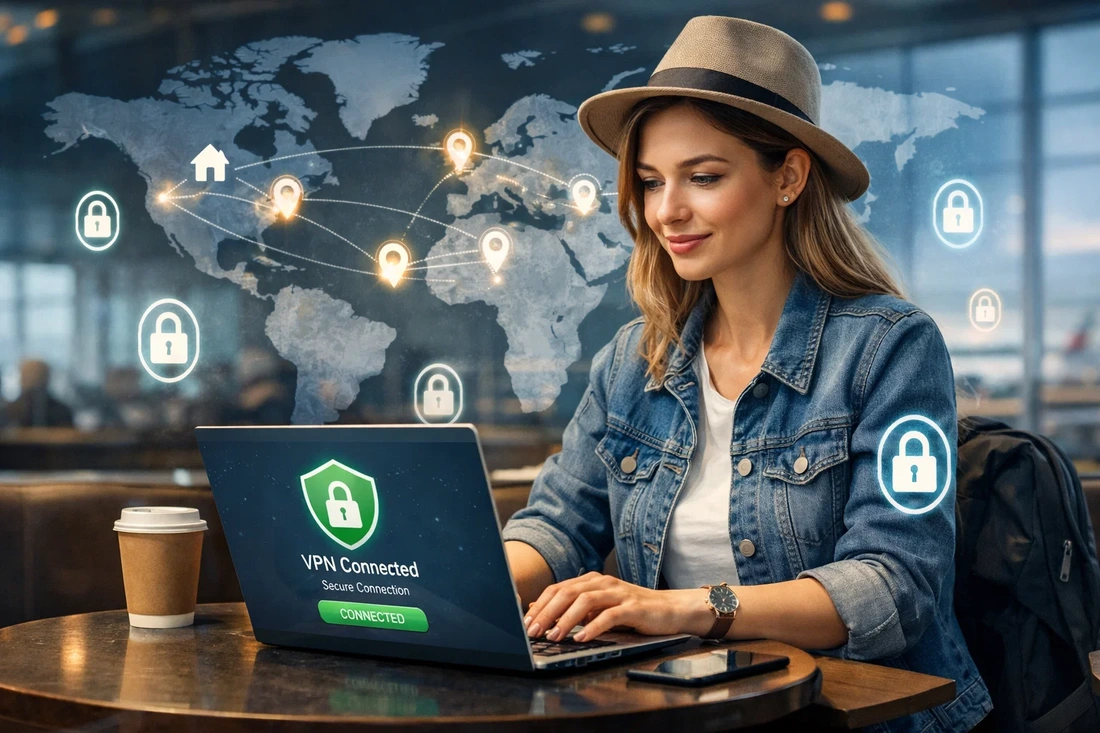
Geoblocking can make a work trip or a vacation time more stressful if you don’t prepare in advance. Banking, emails, SIM cards, and streaming services can stop loading, and you stop receiving verification codes when needed.
Thankfully, there are proven ways to stop the security systems from flagging your activity as suspicious. In this article, we will unpack what to do and which tools to use to deal with location-based lockouts, including practical privacy tools and even popular Surfshark YouTuber codes that travelers often use to save money on secure connections before a trip.
Why Geoblocking Exists
Most of the geoblocking problems are not caused by the country you are in. Instead, the sudden shift in location, network changes, and the behavior of your device can trigger the security checks and then result in being locked out.
This can depend on local rules and regulations. For example, some US companies limit traffic from certain countries due to sanctions. When it comes to media websites, their content might not comply with some nations’ privacy laws, so they don’t load the webpages at all.
Video streaming platforms can prevent users from watching certain movies because they have only acquired licenses for specific countries. If an e-commerce store only ships in Europe, it will also block everyone outside the countries in the EU.
Legal and practical reasons make sense. Non-legal ones mostly focus on blocking a certain group during hacking attempts. For instance, spam bots from a particular country may target one website, and it’s just faster and easier to limit the whole nation.
The good news is that most geoblocking can be avoided. First, you have to prepare before departure.
Getting Ready for Travel
The most common form of geoblocking occurs because accounts, whether they’re banking or email, aren’t ready for travel. The most important part of preparations is making your gadgets more secure. That means your recovery details, such as your phone numbers and emails, should be up-to-date. When possible, add backup MFA options, like:
- offline authenticator apps;
- backup phone numbers from family members and friends;
- hardware security keys.
If your login attempt is blocked without the above, it will be more challenging to recover your account. So, it’s best to reduce reliance on a single SIM card or email address. When available, request and download one-time recovery codes for offline use.
To minimize risks, contact critical services, such as banks, and notify them about your departure. They often monitor the location changes, and might be compelled to decline logins, payments, and withdrawals if they are initiated abroad, marking them as potential fraudulent activity.
Additionally, pick out a suitable plan and invest in an eSIM. You won’t need to look for a SIM card once you land, and you will have a connection right away — without spending any money to cover the roaming charges. A good eSIM will let you receive verification codes and messages smoothly and prevent most account lockouts.
Yet, the best tactic is to use two SIM cards at once. If your primary card doesn’t get charged for receiving messages abroad, keep it active whenever possible. Then, eSIM can be used for mobile data and as a backup option for verification purposes.
Many travelers also research VPN discounts and Surfshark YouTuber codes before departure because setting up a VPN in advance is often easier than troubleshooting blocked services from another country.
When You Arrive
Once you arrive at the destination, you should assess how you access your online services, especially those that handle sensitive information. If you are not using a reliable eSIM, connecting to the public Wi-Fi and managing online banking or checking emails can be risky. Hackers use major Wi-Fi networks as data-fishing hubs by intercepting signals. Your passwords, PIN codes, and other private details can be easily stolen.
Additionally, many airports, hotels, and coffee shops use restricted networks that online services can block. To prevent both, you can use a Virtual Private Network. The best VPNs let you change your device’s location to unlock georestricted features and also encrypt all your data. So, you can avoid lockouts and protect your sensitive information from hackers. Many users specifically look for Surfshark YouTuber codes when choosing a VPN because creators often share travel-focused deals and setup tutorials for international use. Be cautious about local laws and use VPNs responsibly, though.
Smooth Travel Without Lockouts
Going abroad without having to deal with geo-restrictions is possible. By preparing beforehand, contacting essential services, investing in an eSIM, and setting up a VPN, you can avoid getting locked out of banking, email, and media streaming, ensuring total comfort when traveling.